Features

See how grovio keeps your homeschool visible.

A calm walkthrough of the planning, record keeping, portfolios, reports, and guidance that help families feel steadier in the homeschool they are actually living.

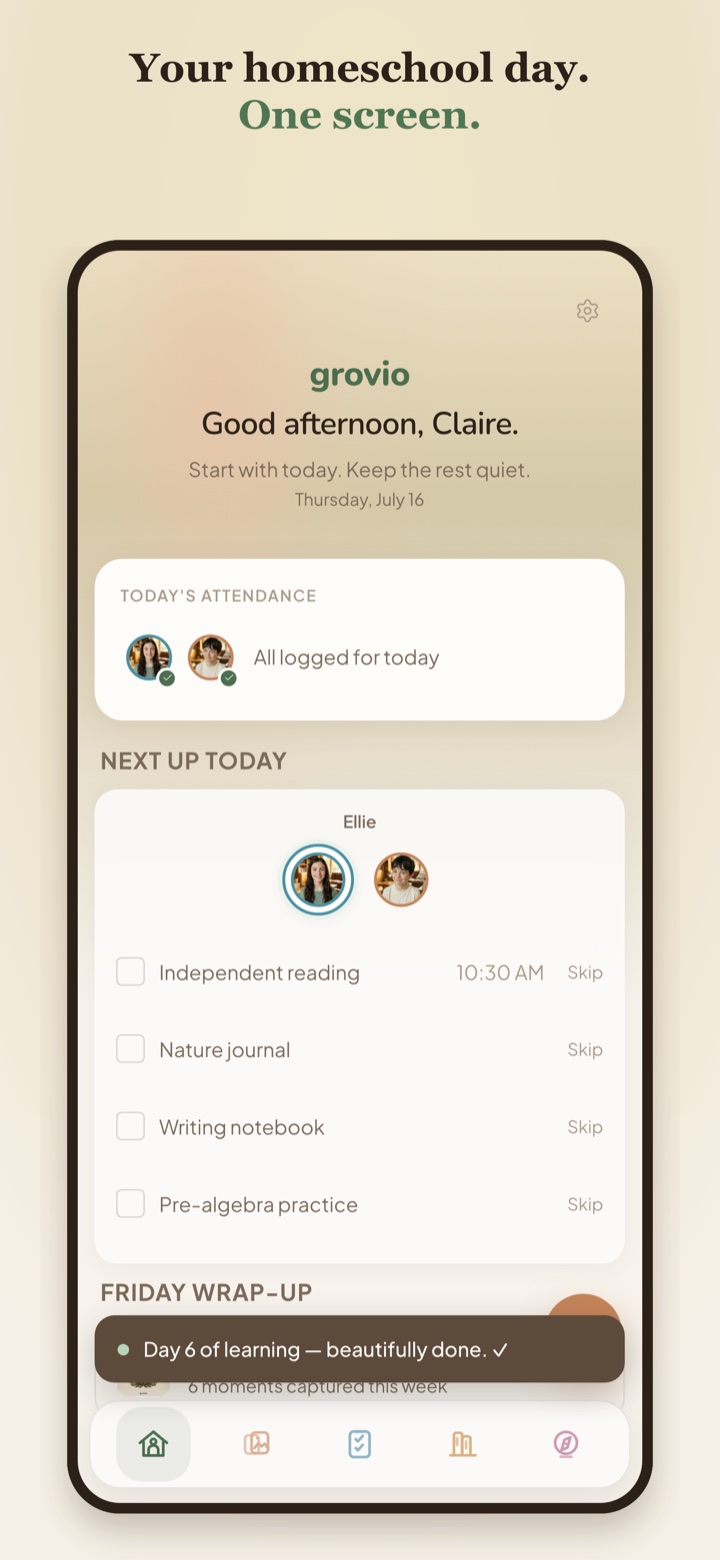
One screen to start

Begin with today, not every possible task.

The home screen keeps attendance, what is next, and the weekly Wrap-Up close by so your day starts with the part that matters most.

  • Today-first dashboard
  • Attendance status at a glance
  • Planner tasks and Wrap-Up prompts together
Download grovio →
grovio home screen showing today's attendance, upcoming planner tasks, and a Friday Wrap-Up toast
Plan your rhythm

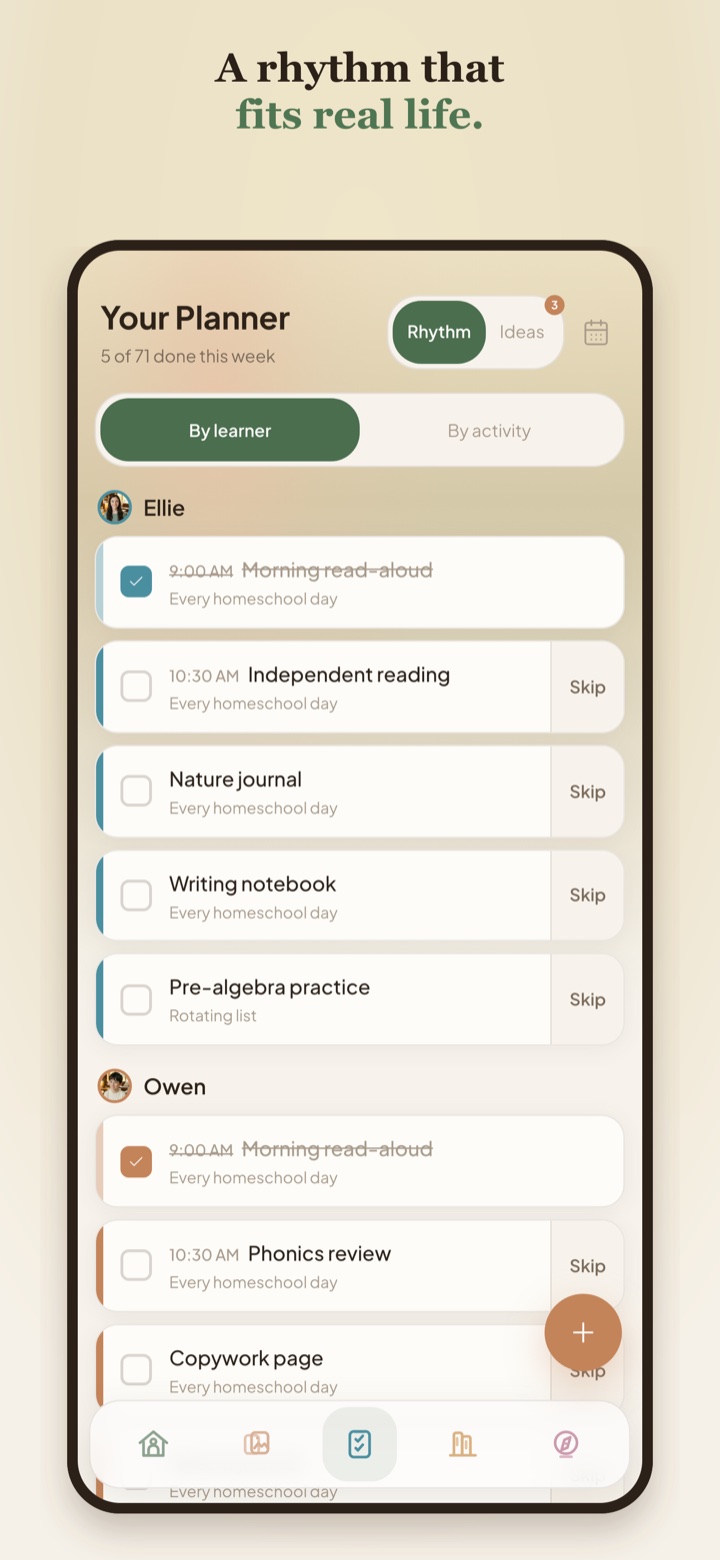
A planner that follows your real life.

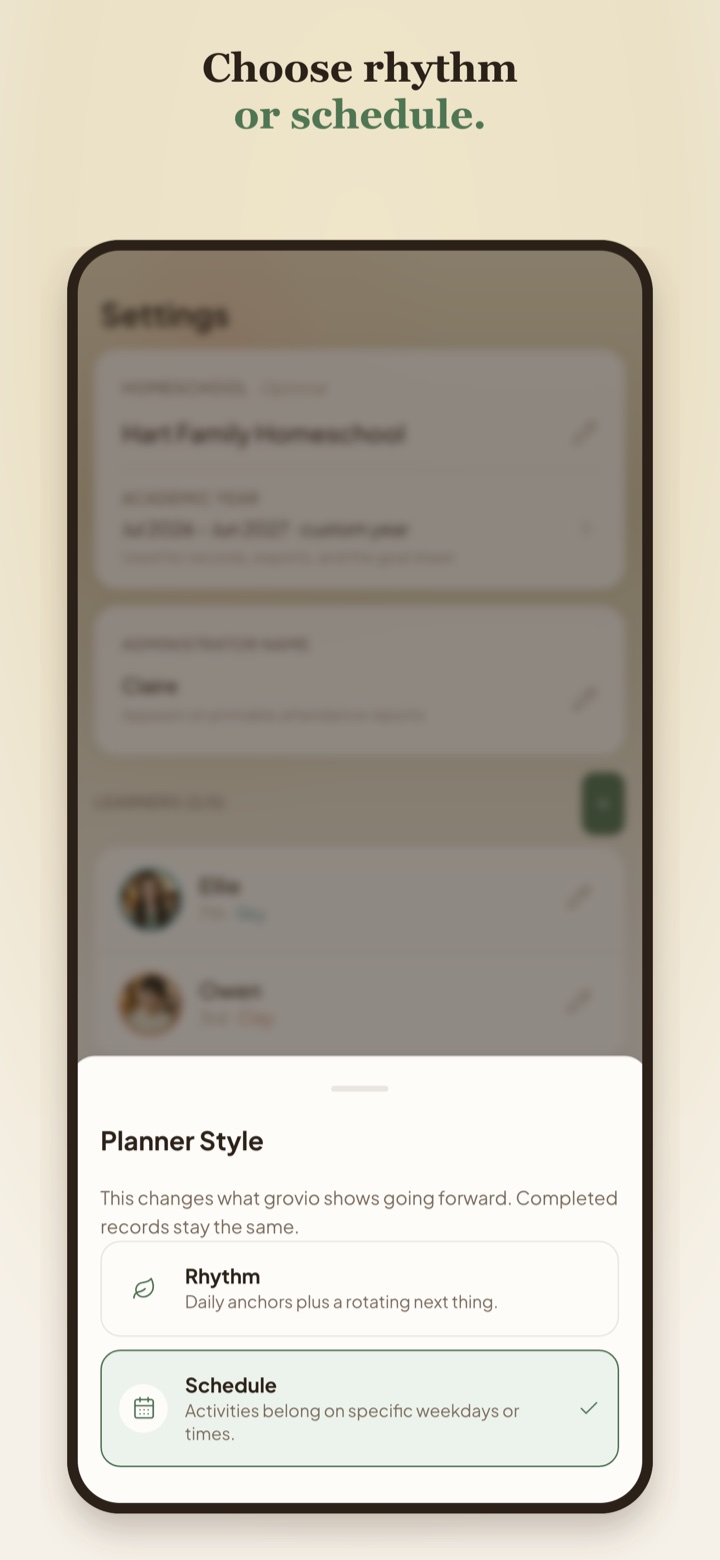
Choose a rhythm or a schedule, then plan recurring activities, specific days, and the kind of flow your family actually uses.

  • Rhythm mode for flexible days
  • Schedule mode for specific weekdays or times
  • Ideas and planner tasks in one calm place
Read the rhythm guide →
grovio rhythm planner showing learner tasks and skipped items
Capture what happened

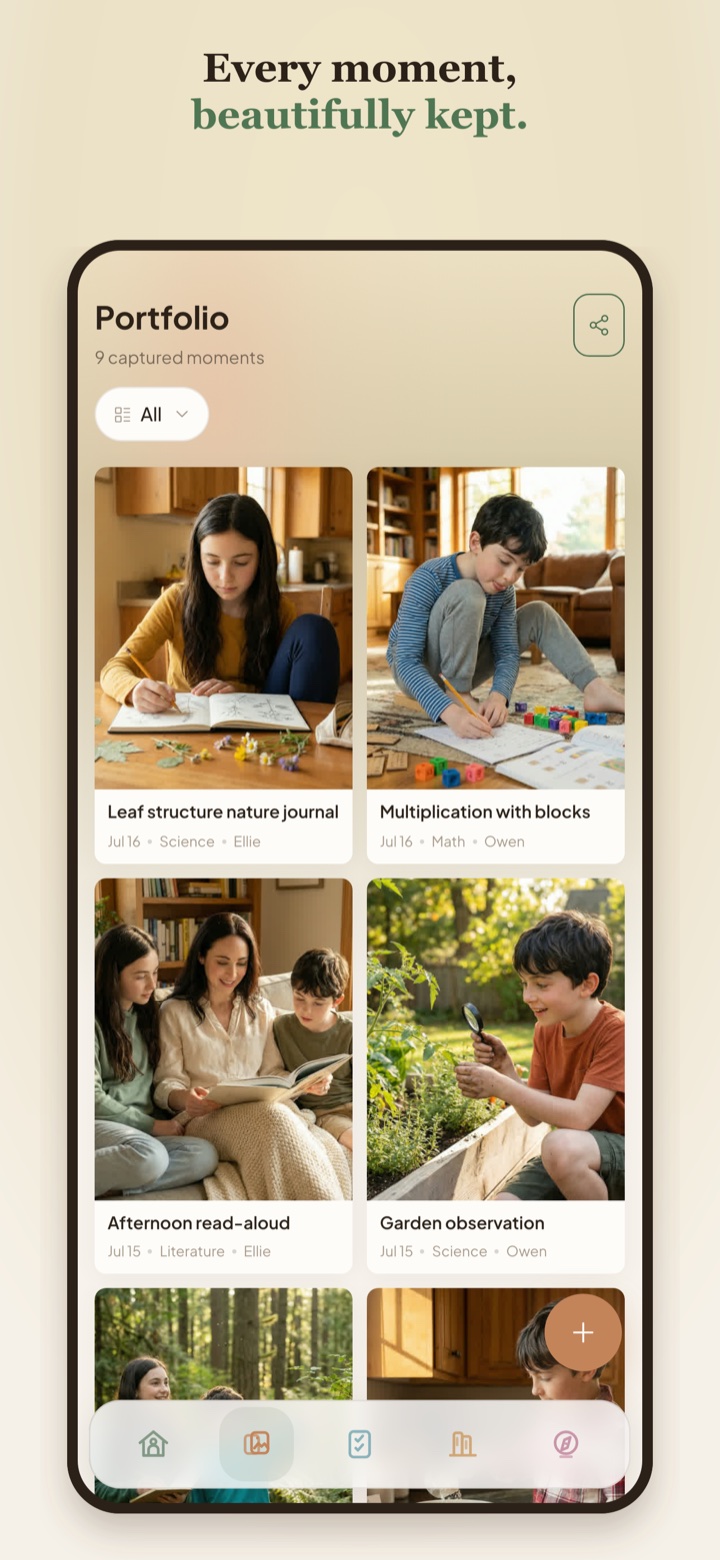
Learning records that feel like evidence, not admin.

Save photos, notes, subjects, learners, and dates so the learning that happened does not disappear into your memory or camera roll.

  • Portfolio grid by moment
  • Detail pages with notes and subjects
  • Evidence that grows naturally over time
What records should I keep? →
grovio portfolio screen showing captured homeschool learning moments
Keep records with confidence

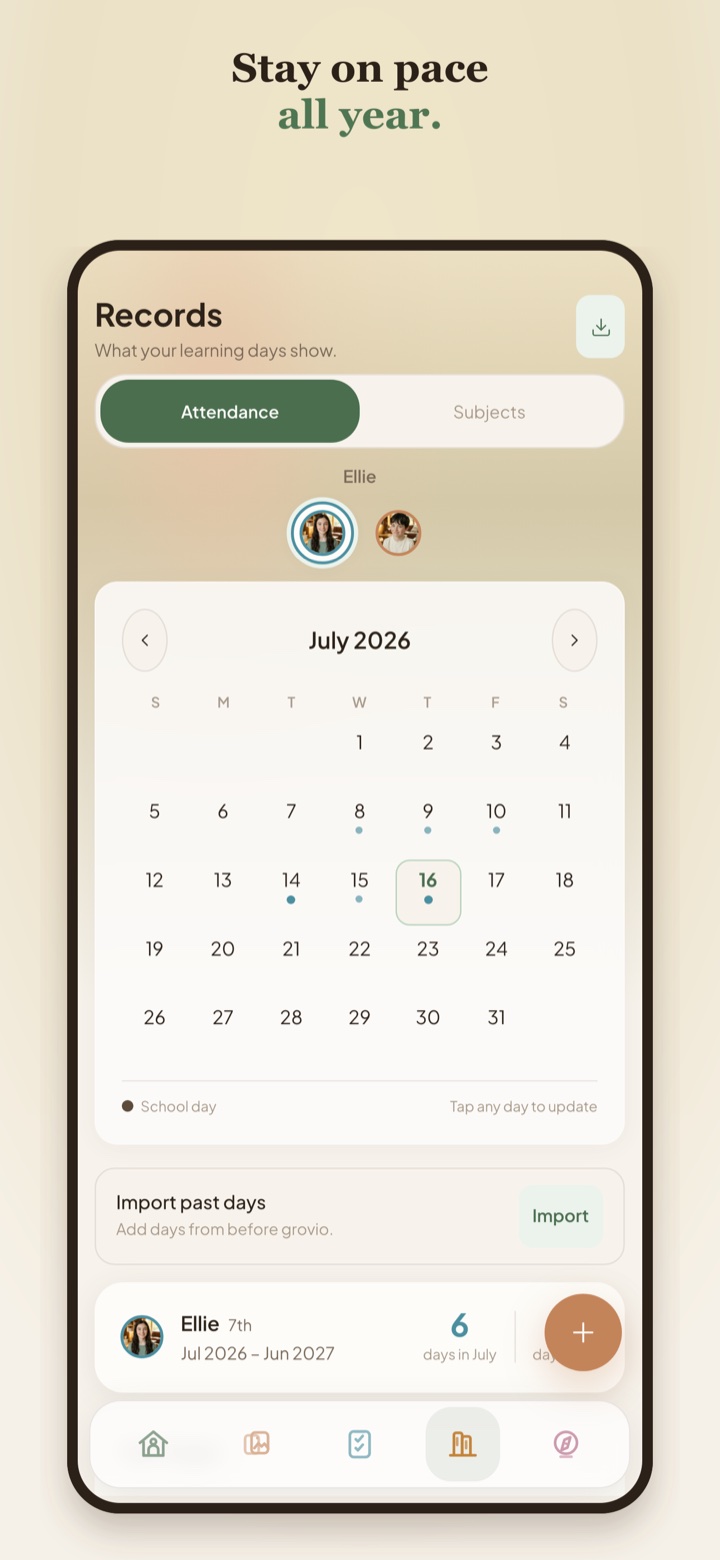
Attendance and progress without the scramble.

Mark school days, import past days, and see the year taking shape without rebuilding records at the end of the year.

  • Monthly attendance calendar
  • Learner-specific records
  • Subject coverage from completed planner activities
Do I need to track attendance? →
grovio attendance screen showing a monthly homeschool attendance calendar
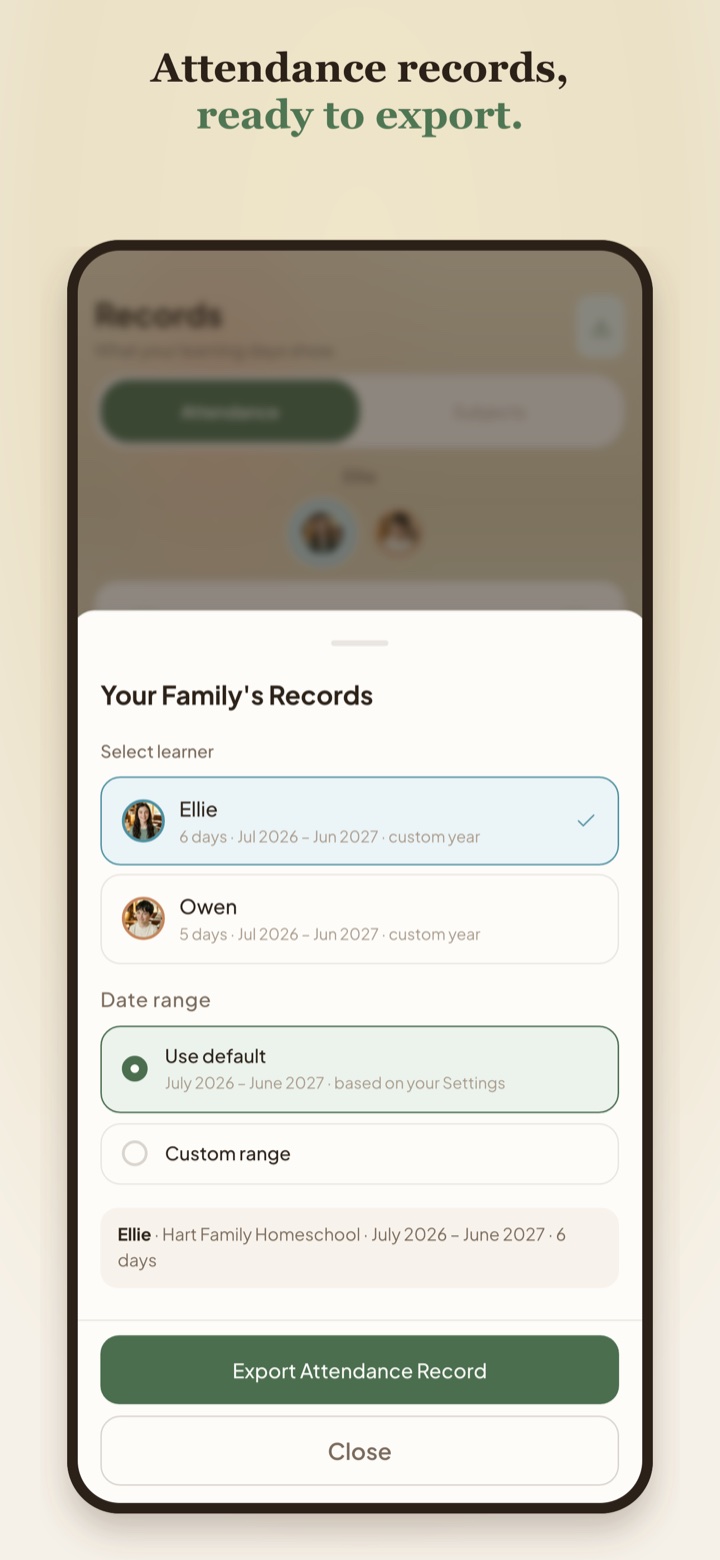
Review and export

When someone asks what you did, you have an answer.

Premium adds exports, cloud backup and sync, and weekly Wrap-Ups so your records are not trapped on one device or scattered across notebooks.

  • Attendance records ready to export
  • Portfolio evidence gathered over time
  • Cloud backup and sync for Premium families
End-of-year reporting →
grovio attendance export sheet with learner and date range options
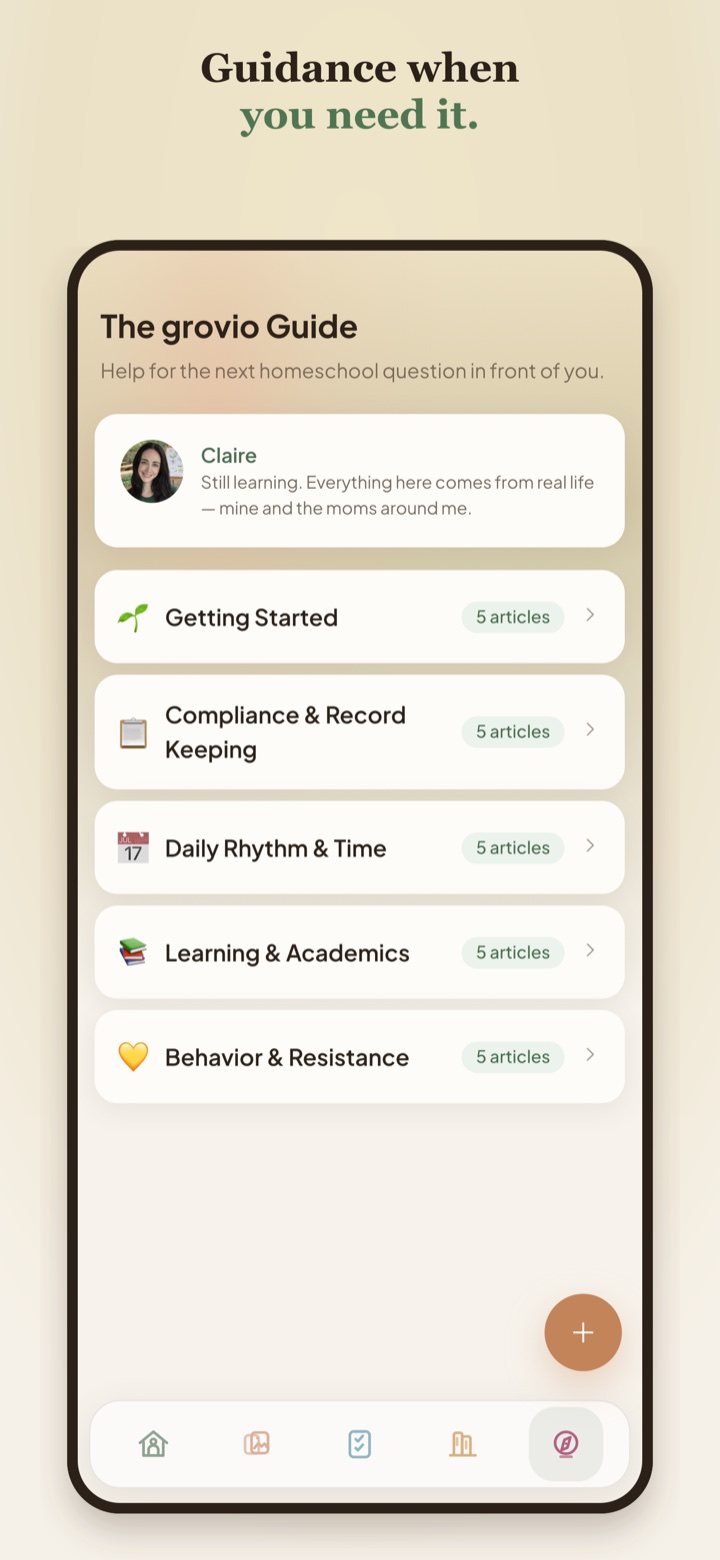
Guidance built in

The Guide is there when the next step feels blurry.

Claire's short, practical articles answer the questions homeschool parents ask when they need clarity, reassurance, or a calmer way to think.

  • Getting started
  • Records, attendance, portfolios, and rhythm
  • Confidence for hard or uncertain days
Browse the Guide →
grovio Guide screen with article categories for getting started, compliance, rhythm, academics, and behavior
Set it up your way

Start with the planning style that makes sense.

Some families want a gentle rhythm. Others need exact weekdays or times. grovio lets you choose without changing what your completed records mean.

  • Rhythm or schedule setup
  • Completed records stay the same
  • Flexible enough for different seasons
See what is included →
grovio planner style chooser with rhythm and schedule options

Ready to make your homeschool easier to see?

Start free, try Premium after setup, and keep the plan that fits your family.

Download free